Closing the Register
Last updated: October 1, 2026
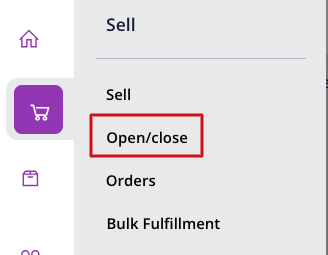
When closing the register, inside the POS go to the menu on the top right, under Sell, select Open/Close.
This will take you to the closing page, where you'll need to enter the amount of cash that you counted in the register (number 1 in the pic below), next to it will show the expected cash and a quick rundown of all the transactions that happened with cash.
There's a space for Notes if needed and once done you just need to click on "Close Register" to finish the day.