How to Buy and Print a UPS or FedEx shipping label in Corksy
Last updated: August 28, 2026
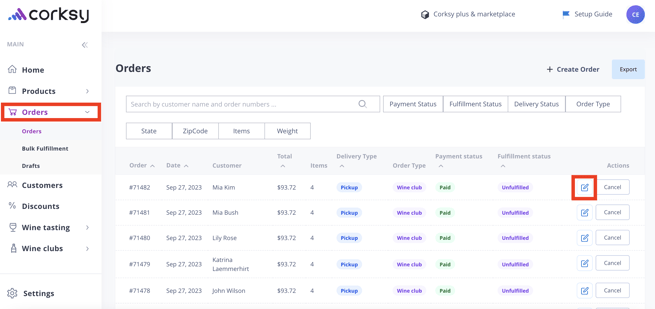
Login to your Corksy account > Select the Orders tab & select an individual order (pencil icon)
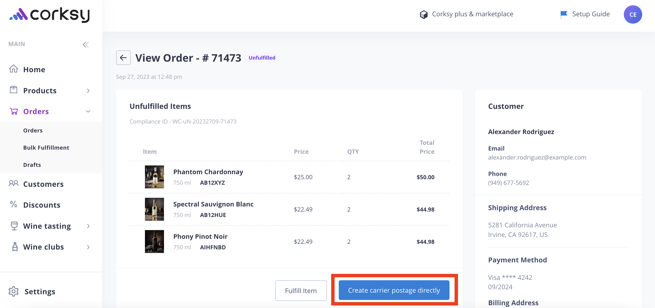
Once the individual order has been opened, select Create carrier postage directly
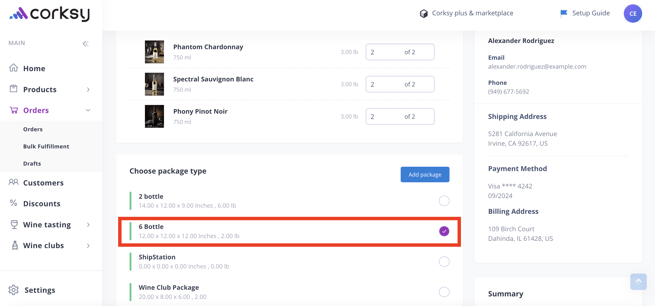
Choose package type
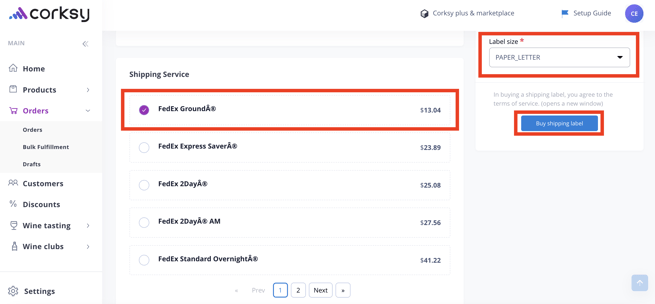
Select Shipping Service, Shipping date, and Label size > Buy shipping label