PayEngine Login Guide
Last updated: October 21, 2026
To access your PayEngine account, follow these steps:
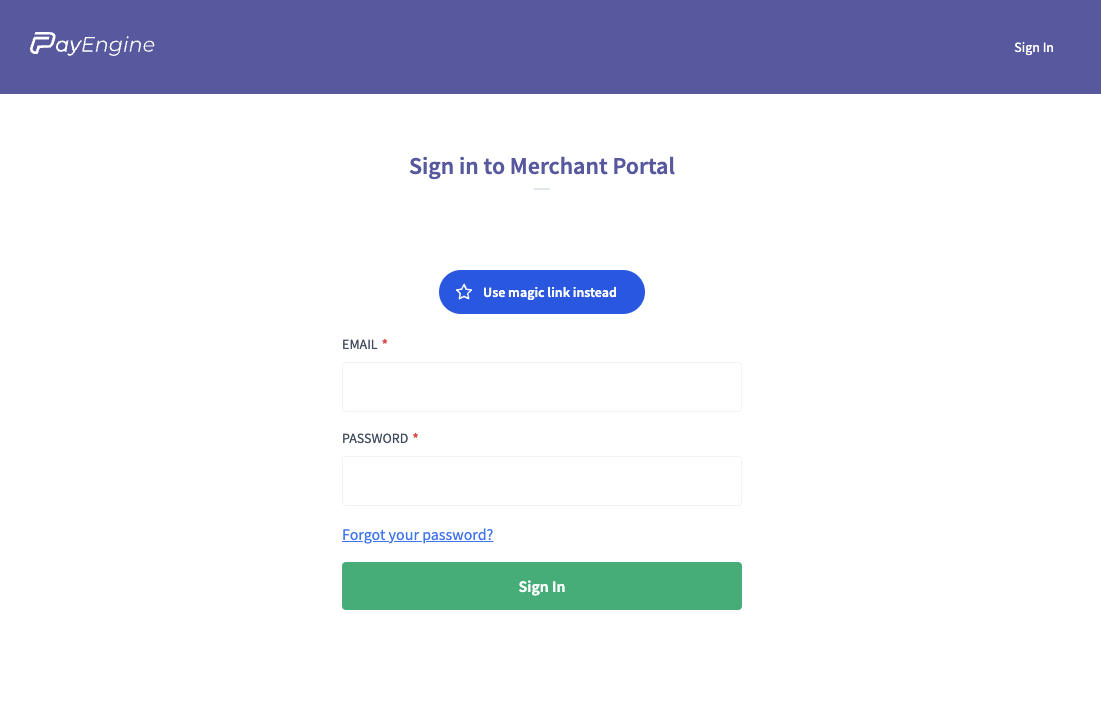
Visit the Sign-In Page
Enter Your Credentials, or use the Magic Link to log in
Enter the email address you used to create your account.
You can also enter your password if you have it.
What can I see in the portal?
Once you're signed in, the PayEngine merchant portal shows your transaction history and your merchant account details. If your processing is through Elavon, you can also use Elavon's MyPaymentsInsider portal, which gives view-only information about your account. The link is in Helpful Merchant Processing Resources. To find out your processing rate, email billing@corksy.io.
Matching your Corksy sales to payouts
Under Payouts, open a payout to see every transaction in it. Under Settlements, each batch is listed by its batch date, and opening a transaction under Transactions shows its Batch ID. Payouts follow the batch date, not the sale date, so anything in your Sales by Order export that isn't in a payout yet is still in transit. In the Sales by Order export, Transaction Status shows Purchase or Refunded, and each refund is its own row with the order number followed by -1 and a negative amount.
To match a day's card sales to your payouts:
Go to Reports → Sales → Sales by Order and click Export.
Filter Payment Type to card and scanner. Scanner is your card reader.
Add up Transaction Amount by Payment Date. Refunds are already in the file as their own rows, so they net out.
Compare those daily totals with your payouts.
Each day's card payments close in a batch at the end of the day and are usually paid the next business day, so one payout can cover a weekend or holiday. Card-reader payments are batched separately from online and club payments, so one day can arrive as two payouts. Payment Date includes the time, which helps with sales near the end of the day.
Troubleshooting Login Issues
If you do not remember the email associated with your PayEngine account, message us from the chat in your Admin Portal.
Our support team can help you retrieve the email linked to your PayEngine account.
For further assistance, please reach out to Corksy Support.