Viewing Booking Details
Last updated: October 1, 2026
While you are on the list of bookings, you can go to the Action column, click on the button and select the "View" option.
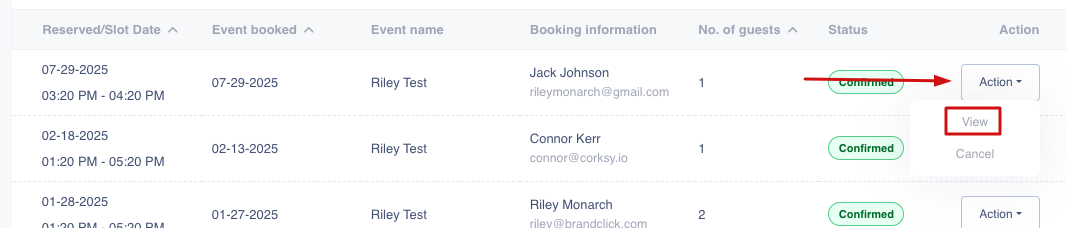
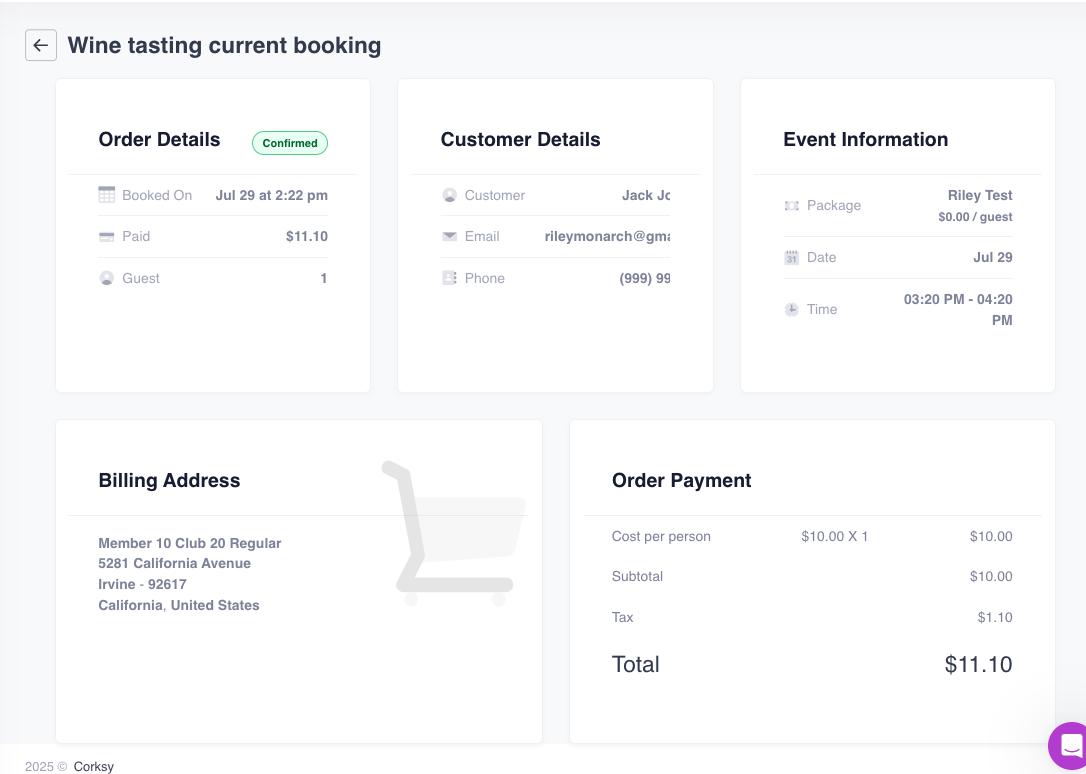
This will open the booking with all the details as seen below.
Last updated: October 1, 2026
While you are on the list of bookings, you can go to the Action column, click on the button and select the "View" option.
This will open the booking with all the details as seen below.